











Is your iPhone struggling to make it through the day? Most users accept battery health decline as a fact of life, but the way you charge and use your device directly impacts its lithium-ion battery longevity.
At Haisic, we’ve analyzed the internal chemistry of thousands of cells to understand exactly why chemical aging happens. In this guide, you’ll learn the science-backed habits and optimized battery charging secrets to keep your maximum capacity high for years.
If you want to maximize your iPhone battery lifespan and avoid an expensive repair, this guide is for you.
Let’s dive right in.
Understanding iPhone Battery Health Metrics
To maximize your iPhone\’s lifespan, you must first understand the data your device provides. Monitoring these metrics allows you to take proactive steps before battery health degradation affects your daily use.
How to Check Maximum Capacity
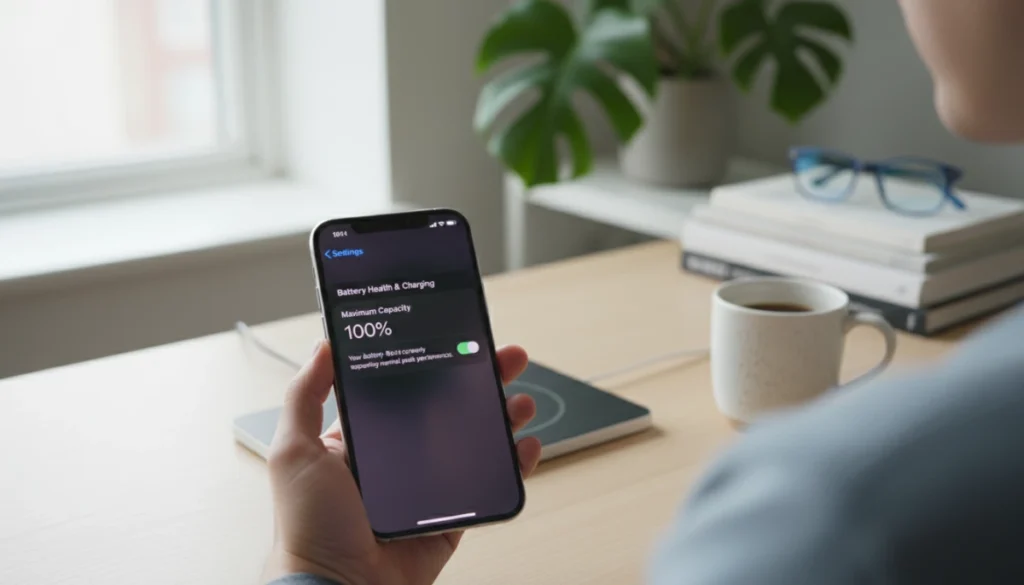
I recommend checking your status regularly by navigating to Settings > Battery > Battery Health & Charging. The Maximum Capacity percentage is a direct measurement of your battery\’s capacity relative to when it was brand new.
- 100% – 95%: The battery is in peak condition.
- 94% – 81%: Normal lithium-ion chemical aging is occurring, but the device should function well.
- 80% or below: The battery is chemically aged and requires replacement to restore full performance.
Deciphering Peak Performance Capability
This metric is often overlooked but is critical for stability. It tells you if your iPhone’s power management system can still handle high-demand tasks. If your battery can no longer deliver the necessary voltage, iOS will automatically throttle the processor to prevent unexpected shutdowns. If you see any message other than \”Your battery is currently supporting normal peak performance,\” your hardware is struggling to keep up with the software.
The 80% Rule: The Tipping Point
In the industry, we consider 80% maximum capacity the critical threshold. Apple designs its original cells to retain roughly 80% of their capacity after 500 complete charge cycles. Once you cross this line:
- Voltage instability becomes frequent.
- The gap between \”percentage shown\” and \”actual power available\” widens.
- System-wide slowdowns occur as the OS tries to save power.
When your device hits this 80% mark, maintenance through settings is no longer enough; a high-quality battery replacement is the only way to return the device to its original factory performance.
Mastering the Art of Charging for the Longest Lifespan
If you want to know how to make an iPhone battery have the longest lifespan, the secret lies in how you charge it. The daily habits you form around plugging in your device play a massive role in delaying lithium-ion chemical aging. As an experienced battery manufacturer, we know exactly what stresses these cells out and how to keep them running efficiently for years.
The 20%–80% Goldilocks Zone
Pushing your battery to its absolute limits is the fastest way to wear it down. The science is simple: lithium-ion batteries hate extremes.
- Avoid 0%: Letting your phone die completely puts unnecessary strain on the battery cells.
- Avoid 100%: Constantly keeping your phone pegged at maximum capacity generates high voltage stress.
- The Sweet Spot: Keeping your charge level between 20% and 80% is the ideal way to preserve your battery cycle count. Charging in smaller, frequent bursts is much healthier than doing a massive 0-to-100% sweep.
Leverage Optimized Battery Charging
Apple built a highly intelligent power management system right into iOS. By enabling Optimized Battery Charging, you allow the built-in AI to learn your daily routine. If you plug your phone in overnight, the system will quickly charge it to 80% and then pause. It waits to finish that final 20% until right before you normally wake up. This prevents the battery from sitting at maximum voltage for hours, drastically slowing down internal degradation.
The Heat Factor: Fast and Wireless Charging
Heat is the ultimate enemy of battery health. While modern charging technologies are incredibly convenient, they come with a thermal cost.
- Fast Charging: Pumping massive amounts of power into your phone quickly generates significant fast charging heat. If you are not in a rush, a standard 5W or 12W charger is much gentler on the battery chemistry.
- Wireless Charging: Inductive charging is inherently less efficient than using a cable, meaning the lost energy turns directly into heat.
Always pay attention to the ambient temperature when charging. If your phone feels hot to the touch, unplug it and let it cool down. Managing this thermal output is not just about extending device life; understanding proper lithium-ion battery safety in your home ensures you are charging your electronics securely without risking dangerous overheating.
Best Practices for Long-Term Storage
If you plan to put an old iPhone away in a drawer for a few weeks or months, how you store it dictates whether the battery will survive. Never store a device at 100% charge, and never store it completely dead. A fully depleted battery can fall into a deep discharge state, rendering it incapable of holding a charge ever again. Conversely, storing it at full capacity can lead to cell swelling. The best practice is to charge the iPhone to exactly 50%, power it down completely, and store it in a cool, moisture-free environment.
Critical iOS Settings to Preserve Battery Health
Software optimization is just as vital as hardware quality. To understand how to make iphone battery have longest lifespan, you must take control of how iOS manages power in the background. Just as we prioritize efficiency in residential solar energy storage systems, your iPhone requires a streamlined power management system to prevent unnecessary chemical aging.
Pruning Background App Refresh
Many apps constantly ping servers for updates even when you aren\’t using them. This creates a persistent drain on the maximum capacity of your cell.
- The Fix: Go to Settings > General > Background App Refresh.
- Action: Switch it to \”Wi-Fi\” or \”Off\” entirely. At the very least, disable it for apps like social media or games that don\’t need to update every second.
Display Optimization: Dark Mode and Auto-Brightness
The screen is the biggest power consumer. Modern iPhones with OLED screens benefit significantly from specific visual settings:
- Dark Mode: Since OLED pixels turn off completely to show black, using Dark Mode reduces power draw.
- Auto-Brightness: Keep this enabled. It prevents the backlight from running at 100% in dim environments, which generates heat and degrades the battery.
- True Tone: While it improves visual comfort, disabling it can slightly extend runtime if you are in a pinch.
Location Services and System Drains
\”Significant Locations\” and hidden system services are silent killers of iOS battery optimization.
- Significant Locations: Navigate to Settings > Privacy > Location Services > System Services > Significant Locations and turn it off. This stops the phone from constantly logging your GPS coordinates.
- System Services: Disable \”iPhone Analytics\” and \”Routing & Traffic\” to stop the radio from transmitting data unnecessarily.
When to Use Low Power Mode
Low Power Mode is a powerful tool, but it shouldn\’t be on 24/7. It reduces CPU performance and stops mail fetch.
- Best Practice: Engage it manually when you hit 20% if you aren\’t near a charger.
- Avoid: Using it during heavy gaming or intensive tasks, as the throttled performance can actually cause the phone to work longer (and get hotter) to finish the same task.
Environmental Factors: The Silent Killers of iPhone Battery Life
Ambient temperature is the single most influential external factor in determining how to make iphone battery have longest lifespan. Lithium-ion batteries are chemically sensitive, and exposing them to the wrong environment can accelerate lithium-ion chemical aging faster than almost any other habit.
Temperature Extremes and Chemical Damage
Apple specifically designs iPhones to perform best between 16° to 22°C (62° to 72°F). Stepping outside these bounds leads to immediate issues:
- High Heat (Above 35°C / 95°F): This is the danger zone. Operating or charging your phone in high heat can permanently damage battery capacity. Once the internal chemistry is compromised by heat, the battery will never hold the same charge again.
- Extreme Cold: While cold temperatures may temporarily shorten battery life or cause the device to shut down, the effect is usually temporary. Once the battery warms up, its normal performance returns.
Case Selection and Heat Dissipation
Many users overlook how their protective gear impacts fast charging heat. Bulky or poorly ventilated cases act as insulators, trapping heat during intensive tasks like gaming or 4K video recording. If you notice your device getting hot while plugged in, I recommend removing the case to allow for better airflow.
If your device has already been exposed to extreme conditions and the health has dropped significantly, you can get a cheap iphone battery that provides professional-grade reliability to restore your phone\’s original runtime. Keeping the device cool is not just about comfort; it is the most effective way to prevent premature battery health degradation.
Debunking Common Battery Myths
If you want to know how to make iphone battery have longest lifespan, you need to stop believing outdated advice. As battery manufacturers, we constantly see users accidentally accelerating battery health degradation because they follow old habits. Let\’s clear up the confusion.
The Memory Effect Myth: Draining to 0%
- The Myth: You must completely drain your phone to 0% before plugging it in.
- The Reality: This rule applied to old nickel-cadmium batteries, but it is terrible advice for modern smartphones. Deep discharges actively speed up lithium-ion chemical aging. Consistently letting your phone hit zero puts unnecessary stress on the device\’s power management system. It is much healthier to plug your phone in for short top-ups throughout the day.
Force-Quitting Apps Saves Power
- The Myth: Swiping up to close all background apps keeps the battery from draining.
- The Reality: Constantly closing apps actually hurts your battery life. Smart iOS battery optimization automatically freezes background apps so they use almost zero power. Force-quitting means the processor has to work twice as hard to cold-start the app the next time you open it, burning more energy in the process.
Third-Party Chargers Are Always Dangerous
- The Myth: Only official brand-name chargers are safe to use.
- The Reality: The real danger comes from cheap, uncertified knockoffs that lack internal safety chips. Using MFi certified chargers from reputable third-party brands is perfectly safe and will not harm your device. As specialists who understand the strict engineering standards behind a high-quality iPhone battery made in China, we know that certified third-party accessories meet the exact same voltage and safety requirements as the originals.
When Maintenance Isn’t Enough: Identifying a Failing Battery
Even with the best habits to how to make iphone battery have longest lifespan, every lithium-ion battery eventually reaches the end of its chemical life. When the internal chemistry degrades, software optimizations can no longer compensate for the hardware\’s inability to deliver consistent power.
Signs Your Battery Is Chemically Aged
When an iPhone battery is failing, it exhibits specific behaviors that interfere with daily use:
- Unexpected Shutdowns: The device abruptly powers off, even when the percentage indicator shows remaining charge.
- Performance Throttling: iOS automatically limits the CPU speed to prevent the phone from crashing, resulting in noticeable lag.
- Rapid Percentage Drops: The battery level jumps from 60% to 40% in minutes or fluctuates wildly.
- Physical Swelling: A failing battery may expand, putting pressure on the screen or internal components.
Professional-Grade iPhone Restoration
When the \”Maximum Capacity\” drops below 80%, the only way to restore the device to its original state is through a high-quality hardware replacement. Using subpar components can lead to overheating and potential safety risks.
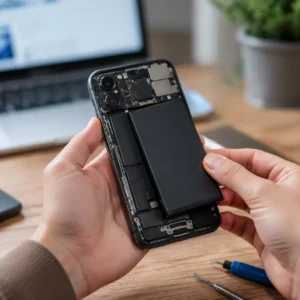
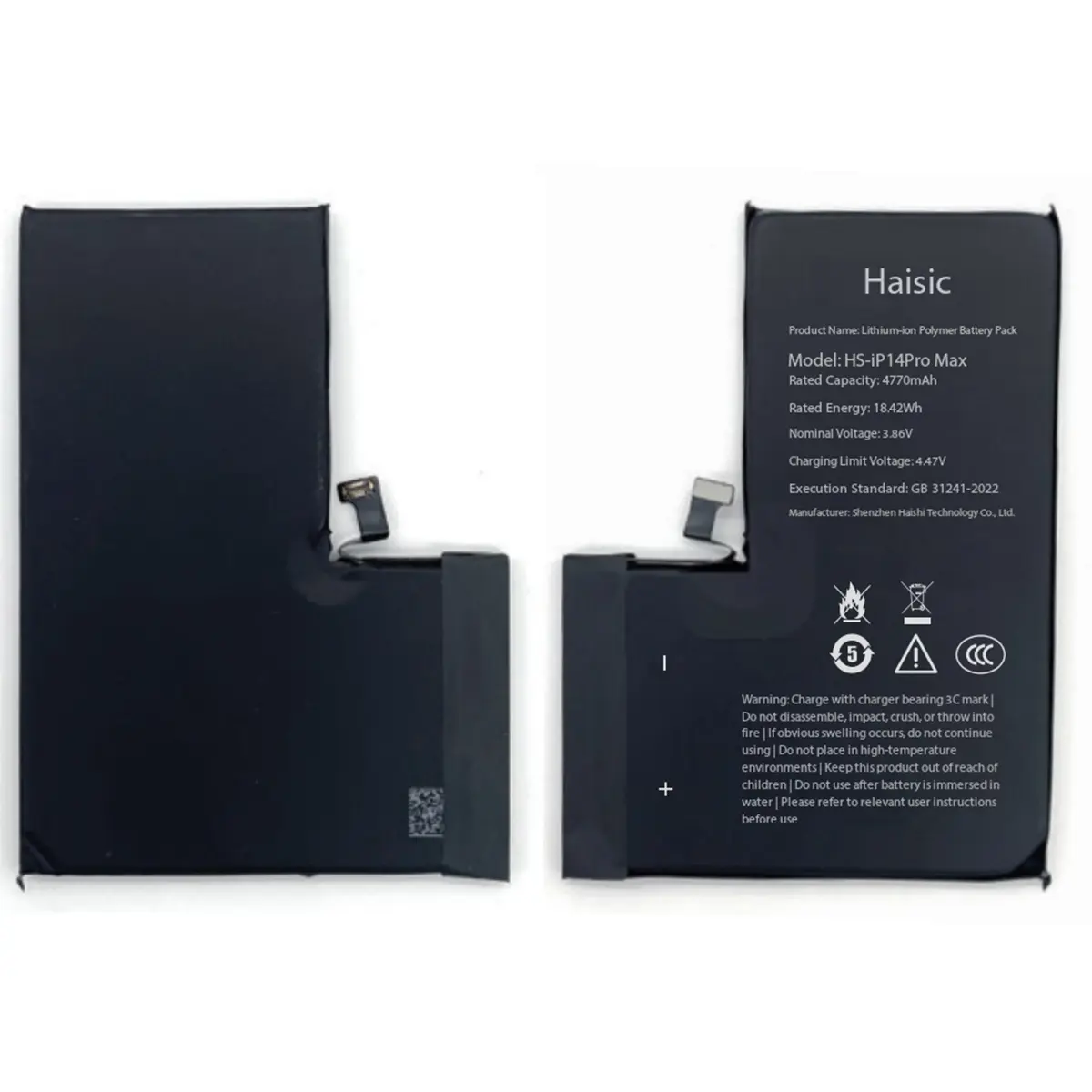
As a leading manufacturer, we specialize in high-performance odm battery for iphone sery that meet or exceed original specifications. Our Haisic batteries are engineered with premium cobalt materials and advanced protection boards to ensure the power management system functions perfectly. For repair shops and distributors, sourcing a reliable bulk iphone battery is the most effective way to guarantee long-term customer satisfaction and device safety.
Choosing a professional-grade cell ensures the iPhone regains its peak performance capability, effectively resetting the clock on the device\’s lifespan and preventing the common frustrations of a chemically aged battery.
FAQs for iPhone Battery Longevity
As a trusted battery for iPhone series supplier, we constantly field questions on how to make iphone battery have longest lifespan. Here are the straightforward answers to your most common concerns.
Does fast charging damage my iPhone battery?
Not directly. The real enemy is fast charging heat. High-wattage chargers push a lot of current into the device, which naturally generates heat. As long as your phone is in a cool environment and not trapped in a thick case that traps that heat, fast charging is perfectly safe.
Should I leave my iPhone charging overnight?
Yes, but only if you use the built-in iOS optimization features. Modern power management systems prevent overcharging. By enabling Optimized Battery Charging, your phone holds at 80% overnight and finishes the final 20% right before you wake up, significantly reducing stress on the cells.
Is it okay to use my iPhone while it is charging?
- Light use: Texting, reading, or casual browsing is completely fine.
- Heavy use: Playing graphics-heavy games, recording 4K video, or using GPS navigation while plugged in is a bad idea. This creates a double heat source (from the processor and the battery), which rapidly accelerates chemical aging.
At what percentage should I replace my iPhone battery?
Industry standards dictate that the 80% mark is the tipping point. Once your maximum capacity drops below 80% in your iOS settings, it is time for an iPhone battery replacement. Below this threshold, the battery struggles to deliver peak power, leading to unexpected shutdowns, sluggish performance, and rapid draining.