










The Myth of the Battery Bounce Test
We’ve all done it: dropping an alkaline battery on a hard surface to see if it hops. The logic goes that a \”dead\” battery bounces, while a \”fresh\” one thuds. While there is a sliver of science here, relying on this method is a recipe for wasting money and power. As someone who manages energy systems for a living, I can tell you that guesswork is the enemy of efficiency.
The Science of the \”Bounce\”
The bounce isn\’t actually measuring electrical charge; it\’s measuring a chemical byproduct.
- Zinc Oxide Buildup: Inside an alkaline battery, a gel-like zinc anode turns into a solid ceramic-like zinc oxide as it discharges.
- The Spring Effect: This solid buildup creates a \”spring\” inside the casing, causing the battery to bounce when dropped.
- The Flaw: A battery can start bouncing when it is only 20% discharged. If you toss every battery that bounces, you are likely throwing away 80% of its usable life.
Digital Precision vs. Guesswork
Modern household electronics are far more sensitive than the toys we had decades ago. Devices like smart locks, digital cameras, and wireless mice require a specific voltage threshold to function.
- Voltage vs. Chemistry: A battery might pass the \”thud\” test but lack the voltage required to trigger a high-drain device.
- Inconsistent Results: Factors like the height of the drop or the surface material (wood vs. granite) make the bounce test completely subjective.
- The Solution: A dedicated battery tester for home use provides a definitive reading. It measures the actual electrical potential, ensuring you only recycle cells that are truly exhausted.
| Test Method | Reliability | What it Actually Measures |
|---|---|---|
| Bounce Test | Low | Physical state of internal zinc |
| Multimeter | High | Raw voltage (no load) |
| Battery Tester | Highest | Voltage under simulated circuit load |
Using a precise tool prevents the frustration of \”dead\” remotes and ensures your household electronics always have the power they need. Stop dropping your batteries and start measuring them.
Choosing the Right Battery Tester for Home Use
I\’ve seen many people grab the cheapest option available, but understanding the different types of testers ensures you aren\’t throwing away perfectly good power. Depending on your gadget collection, you might need anything from a simple needle gauge to a high-precision digital display.
- Universal Analog Testers: These are the most common \”passive\” devices. They don\’t require an internal battery to operate, as they use the power from the battery you are testing to move the needle. They are perfect for a quick check of alkaline vs lithium disposables.
- Digital LCD Testers: For those who want more than just a \”Good/Low\” reading, digital models provide a precise voltage meter readout. This is essential for sensitive household electronics where a small drop in battery capacity can cause a device to malfunction.
- Load Testers: A battery can show a full charge when idle but fail immediately when used. A high-quality battery tester for home should simulate a real-world circuit load, giving you the most accurate picture of the actual power level.
- Smart Multi-functional Units: These are designed for the modern home. They feature specialized ports for a 9-volt connector, slots for button cell batteries, and settings for rechargeable NiMH cells.
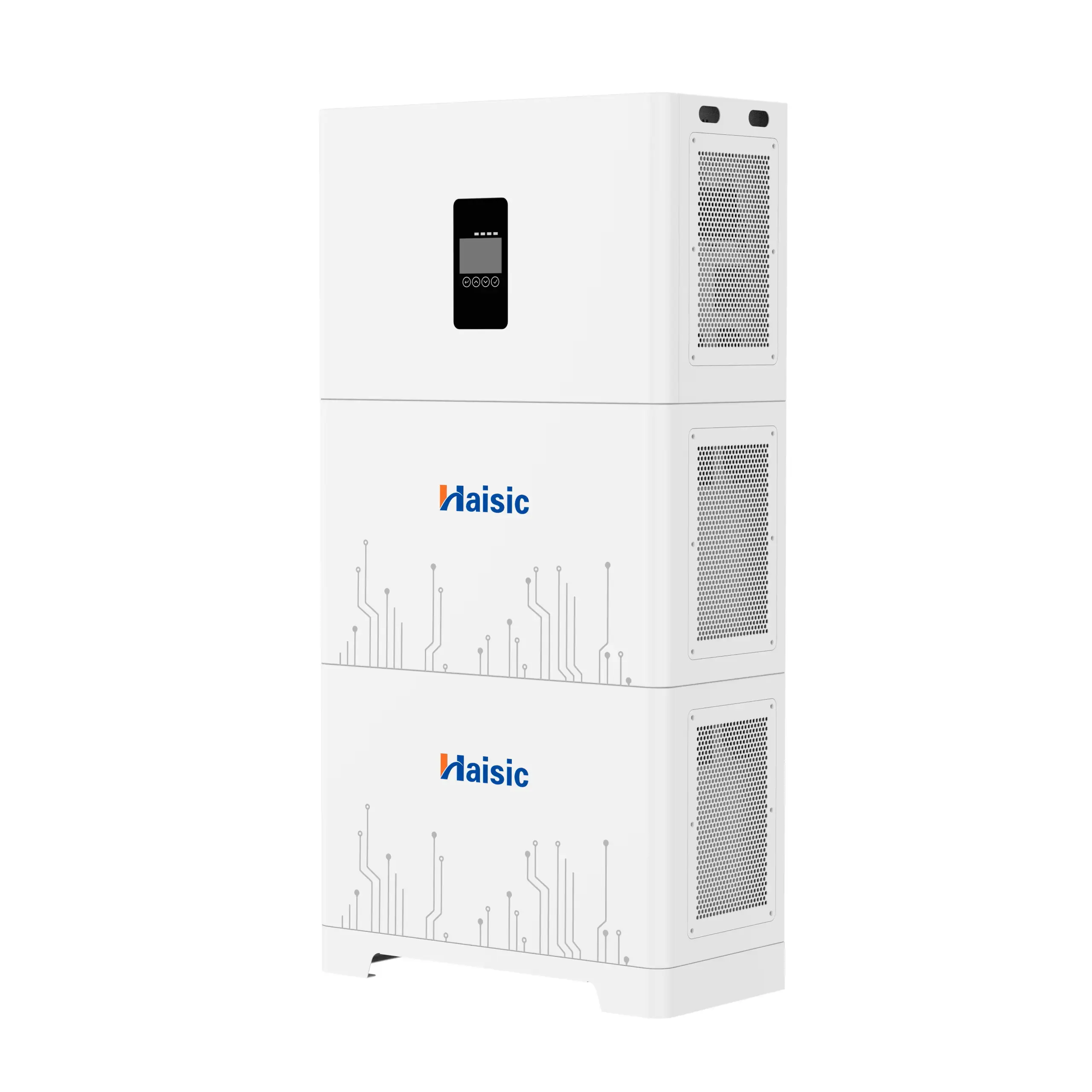
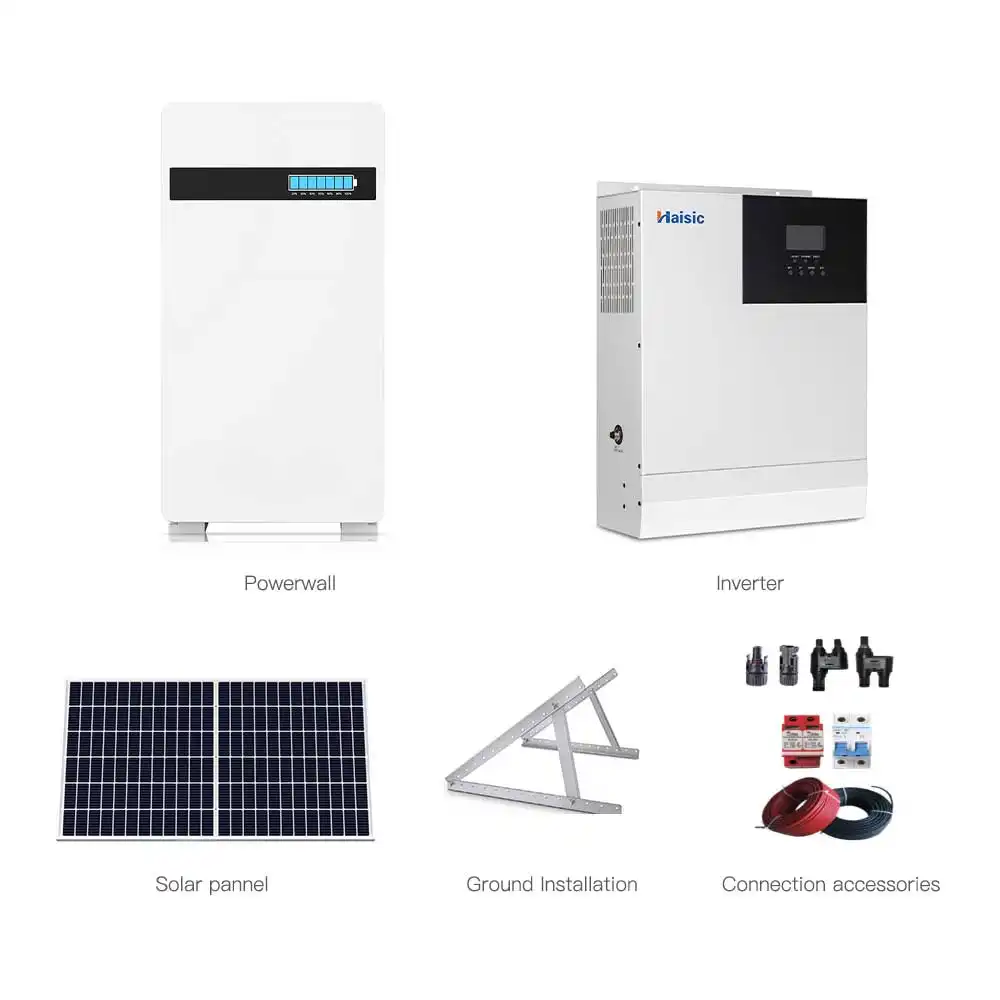
Reliability is key whether you are checking a small AAA or managing a larger 25.6V 100Ah Powerwall home energy storage system. Having the right tool means you stop guessing and start knowing exactly how much energy you have left in your cells.
Essential Features for Your Home Battery Tester
When I select a battery tester for home use, I prioritize versatility and clarity. A tool that only checks one or two sizes isn\’t worth the drawer space. You need a device that handles the full spectrum of household power, from standard AA cells to the specialized button cell battery found in car fobs and watches.
Critical Selection Criteria
| Feature | What to Look For | Why It Matters |
|---|---|---|
| Compatibility | AA, AAA, C, D, 9V, and CR2032 | Covers 99% of household electronics. |
| Display Type | LCD Digital Readout | Provides a precise voltage meter reading instead of a vague \”good\” light. |
| Power Source | Passive (Powered by the test battery) | Ensures the tester is always ready and doesn\’t need its own batteries. |
| Form Factor | Compact with adjustable sliders | Must fit easily into a junk drawer or a portable toolbox. |
Key Performance Factors
- Universal Compatibility: I always look for a tester with a sliding arm. This allows it to accommodate different lengths, making it easy to switch between Alkaline vs Lithium disposables.
- Clear Battery Life Indicator: Simple LED lights are okay, but a digital screen showing the exact power level is superior for sensitive electronics that require a specific threshold to function.
- Durability: Home tools get tossed around. I recommend units with reinforced plastic casings that can survive a drop on a garage floor.
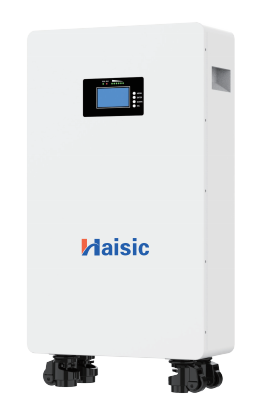
While a handheld battery tester for home is perfect for small cells, those managing larger power needs—like a haisic 12.8v 50ah lifepo4 lithium battery—will require more advanced monitoring tools. For standard household maintenance, focusing on a unit that provides a clear \”under load\” test result is the best way to ensure your smoke detectors and remotes never fail unexpectedly.
How to Correctly Test Your Home Batteries
Using a battery tester for home is the most reliable way to stop guessing which cells are still functional. To get an accurate reading of the power level, follow these steps to ensure your household electronics always have the energy they need.
Step-by-Step Guide for Using a Universal Tester
- Identify the Terminals: Locate the positive (+) and negative (-) ends of the battery.
- Align with the Tester: Place the battery into the testing slot or against the contact points. Ensure each battery terminal is touching the corresponding metal plate on the tester.
- Secure the Connection: If your device has a sliding arm, press it firmly against the battery to complete the circuit.
- Read the Output: Look at the needle or digital voltage meter to determine the current state of the cell.
Deciphering the Good, Low, and Replace Zones
Most home testers use a color-coded system or a specific voltage readout to tell you the battery\’s health:
- Green (Good): The battery is at full or near-full capacity. It is ready for any device.
- Yellow (Low): The energy is dipping. While these might not power a high-drain toy or a digital camera, they often have enough life left for low-drain items like TV remotes or wall clocks.
- Red (Replace): The battery is functionally dead. Keeping it in a device increases the risk of leaks.
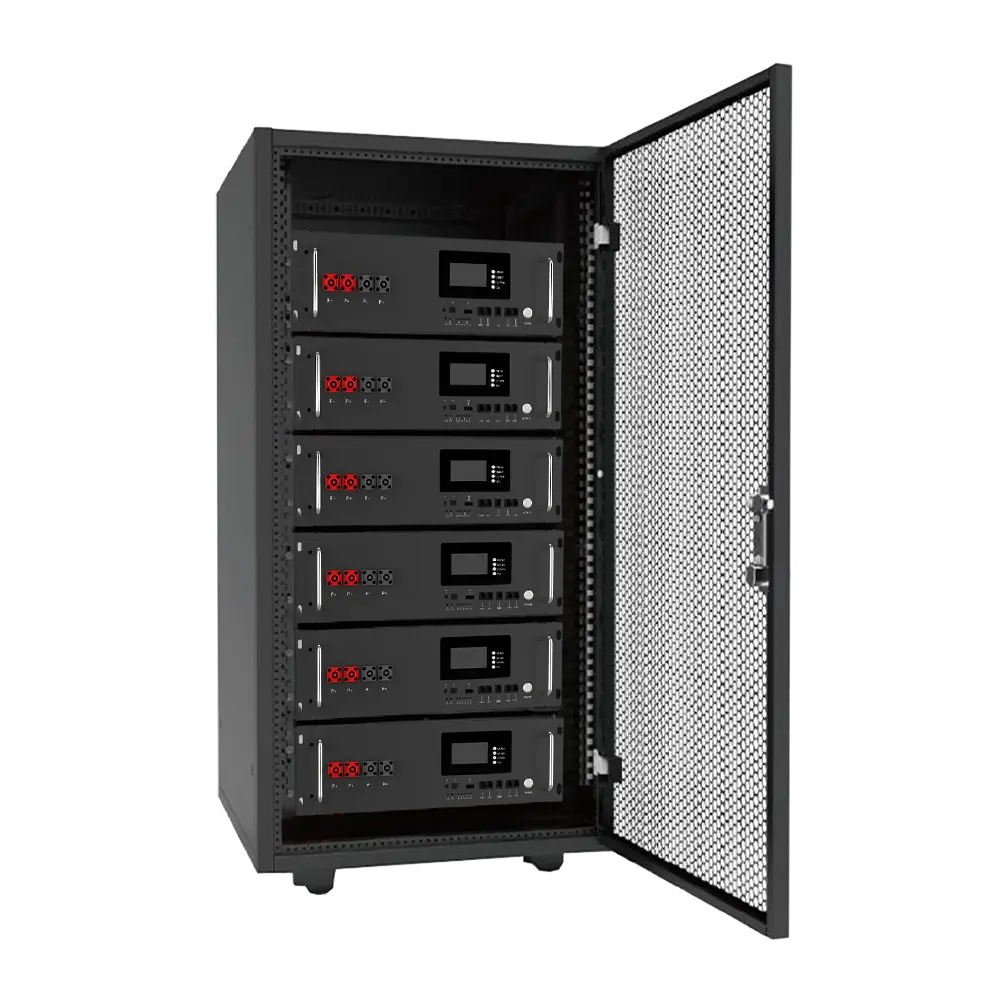
While managing small AA or AAA cells is a routine task, maintaining larger systems is just as critical for household stability. Just as you monitor small disposables, high-capacity battery for home backup units provide the macro-level reliability needed to keep your entire home running during outages.
Safety Tips for Handling Leaking and Corroded Cells
Safety is paramount when auditing your battery drawer. Follow these rules to protect your equipment and yourself:
- Avoid Leaking Batteries: If you see white, crusty residue or liquid, do not put the battery in your tester. The chemicals can damage the tester\’s internal components and cause skin irritation.
- Clean the Contacts: If a battery appears \”dead\” on the tester but looks physically fine, try wiping the terminals with a clean, dry cloth. Sometimes oxidation prevents a clear reading.
- Proper Storage: Never store tested \”Good\” batteries loose in a drawer with metal objects like paperclips or coins, as this can cause a short circuit. Use a dedicated organizer to keep them upright and separated.
Beyond the AA: Thinking About Energy Storage
While a reliable battery tester for home is essential for managing your everyday household electronics, I always recommend looking beyond small disposable batteries. The transition from single-use alkaline cells to a fully rechargeable ecosystem is a massive step forward for energy efficiency and long-term cost savings.
Testing your rechargeable NiMH or lithium-ion AA batteries is just the micro-level of power management. On a macro level, home energy storage provides the ultimate battery reliability for your entire house.
Why Upgrade Your Power Strategy?
- Cost Efficiency: Replacing endless packs of disposable batteries adds up quickly. A rechargeable ecosystem pays for itself in a matter of months.
- Whole-Home Reliability: Just as you rely on a tester to ensure your flashlights work, larger systems ensure your home stays powered during outages. Setting up a robust generator battery bank scales that peace of mind to your heavy-duty appliances.
- Eco-Friendly Impact: Moving away from single-use cells drastically reduces toxic waste and simplifies eco-friendly disposal.
Once you master the power levels of your small household devices, exploring larger energy storage solutions is the natural next step to secure your home\’s complete power independence.
Top Recommended Battery Testers for 2026
Finding the right battery tester for home use means balancing price with precision. I have narrowed down the top performers that cater to different household needs, ensuring you never throw away a good cell again.
Best Overall for Value and Accuracy
The universal sliding-arm tester remains the gold standard for most households. It is affordable, requires no internal batteries to operate, and handles everything from AA and AAA to 9V and button cells.
- Why it wins: It uses the battery\’s own residual power to move the needle, giving you a reliable reading of the current power level.
- Key Feature: The calibrated scale clearly marks \”Good,\” \”Low,\” and \”Replace\” zones, making it foolproof for daily use.
- Versatility: It works across almost all standard household electronics power sources.
Best for Seniors with Large Print and Easy Grip
For users who struggle with small screens or flimsy plastic slides, I recommend heavy-duty analog testers with oversized displays. These units feature high-contrast colors and a textured casing that is easy to hold even with limited dexterity.
- Visibility: The needle is large and the text is printed in high-contrast bold ink.
- Stability: These models usually feature a wider base, allowing them to sit flat on a table while you press the battery terminal against the contact points.
- Simplicity: No buttons to press or modes to toggle; just plug and read.
Best for Techies with Digital Metrics
If you want to know the exact voltage meter reading down to the hundredth decimal place, a digital LCD tester is the only way to go. These are essential for those using high-drain devices where a slight drop in voltage causes a total shutdown.
- Precision: Provides a real-time digital readout of the voltage, which is crucial for identifying mismatched pairs in high-end gear.
- Advanced Compatibility: These units often include dedicated slots for specialized cells, similar to how a 12v solar panel and battery setup requires specific monitoring tools for peak efficiency.
- Smart Circuitry: Many of these models include a small internal load to simulate real-world usage, providing a more accurate \”under-load\” result than basic analog versions.
| Feature | Universal Analog | Digital LCD | Pro Load Tester |
|---|---|---|---|
| Power Source | Passive (No battery) | Internal Button Cell | Internal AAA/AA |
| Readout Type | Color-coded Needle | LCD Numerical | Digital + Load Bar |
| Best For | General AA/AAA use | Sensitive Electronics | Rechargeable NiMH |
| Durability | High (Few parts) | Moderate (Screen) | High (Ruggedized) |
Frequently Asked Questions About Home Battery Testers
Navigating the world of household electronics and power management often leads to a few common questions. Here are the definitive answers to help you master your battery tester for home.
Can a battery tester tell if a rechargeable battery is bad?
Yes, a high-quality tester can identify a failing rechargeable NiMH or Li-ion cell. While these batteries naturally have a lower nominal voltage (1.2V) than disposable batteries (1.5V), a tester helps you see if they are holding a charge. If a cell shows a low power level immediately after a full charging cycle, the internal chemistry has likely degraded, and it is time to recycle it.
Do battery testers need their own batteries to work?
It depends on the model:
- Analog Testers: These usually do not require an internal power source. They draw a tiny amount of energy from the battery you are currently testing to move the needle.
- Digital LCD Testers: Most digital units require a small button cell battery or a AAA battery to power the screen and provide high-precision metrics.
Is a multimeter better than a dedicated battery tester?
A multimeter vs dedicated tester debate usually comes down to speed versus detail. A multimeter is a versatile voltage meter that provides exact numbers, but it doesn\’t always place the battery under a circuit load. A dedicated battery tester for home is specifically designed to simulate real-world use, making it more accurate for determining if a battery will actually power a device or fail under pressure. For those looking to scale up their energy independence, understanding these basics is a great first step before exploring a diy home battery backup system.
How do I dispose of dead batteries safely?
Never throw alkaline or lithium cells in the regular trash. They contain materials that require eco-friendly disposal to prevent environmental contamination.
- Tape the terminals: Use clear tape on the 9-volt connector or lithium ends to prevent short circuits.
- Drop-off locations: Take them to local hardware stores or specialized recycling centers.
- Bulk storage: Keep dead batteries in a non-conductive plastic container until you are ready to drop them off.
Does a tester work on all household sizes?
Most universal units are designed to handle the standard lineup: AA, AAA, C, D, and 9V. If you frequently use small electronics, ensure your device has a dedicated slot for a button cell battery like the CR2032 to ensure a secure connection with the battery terminal.